
How to Create Study Flashcards from YouTube Lectures in 2026
You're three lectures behind, the exam is next week, and those 2-hour YouTube videos aren't going to summarize themselves. If you've ever wished you could just turn a lecture into flashcards without spending hours making them manually, you're not alone.
YouTube has become the unofficial second classroom for millions of students. Whether it's organic chemistry crash courses, coding tutorials, or history lectures — the content is out there. The problem? Watching is passive. To actually remember what you learned, you need active recall — and that means flashcards, quizzes, and repetition. But who has time to pause every 30 seconds and write down key terms?
That's why AI-powered study tools have exploded in popularity. The idea is simple: let AI watch the lecture for you, extract the important concepts, and turn them into study-ready flashcards automatically. In this guide, we'll break down exactly how to do this in 2026, the best tools for the job, and a few tricks that actually work.
Why Students Are Desperate for This Solution
The struggle is real. Check any study-focused subreddit and you'll find hundreds of students asking the same question:
"I made a tool that converts YouTube videos into notes, quizzes, and flashcards to help you learn better from YouTube"— Reddit user in r/youtube, 2024
Another user in r/Anki shared a common frustration:
"AnkiDecks receives transcripts of the YouTube videos and feeds the text to a LLM (large language model like ChatGPT) which then returns flashcards."— Reddit user explaining their workaround in r/Anki
The demand is clear: students want to take YouTube lectures — which are often the best explanations available — and turn them into active study materials without the manual labor. The traditional workflow looks something like this:
- Watch a 90-minute lecture
- Take notes (miss half of what's said)
- Transcribe key points
- Manually create flashcards
- Study the flashcards
That's easily 3-4 hours of work for one lecture. With AI, you can compress that into 15-20 minutes.
The Two Main Approaches to YouTube-to-Flashcards
In 2026, there are essentially two ways to turn YouTube lectures into flashcards:
Method 1: Copy-Paste Transcript + AI
The manual-ish approach. YouTube auto-generates transcripts for most videos. You can access them by clicking "Show transcript" under a video. From there:
- Copy the entire transcript
- Paste into ChatGPT, Claude, or similar
- Prompt: "Create 20 flashcards from this transcript with key terms and definitions"
- Export results to Anki or Quizlet manually
This works, but it's clunky. You're still doing a lot of copy-pasting, formatting, and manually inputting cards into your flashcard app.
Method 2: All-in-One Study Apps
The modern approach. Apps that combine note-taking, transcription, and AI flashcard generation in one workflow. You record or import content, and the app does the rest — summarization, flashcard generation, quizzes, even AI tutoring.
This second approach is where the real time savings happen. Let's look at the best options.
Best Apps for Creating Flashcards from Lectures (Compared)
1. Quizlet — The Classic Choice
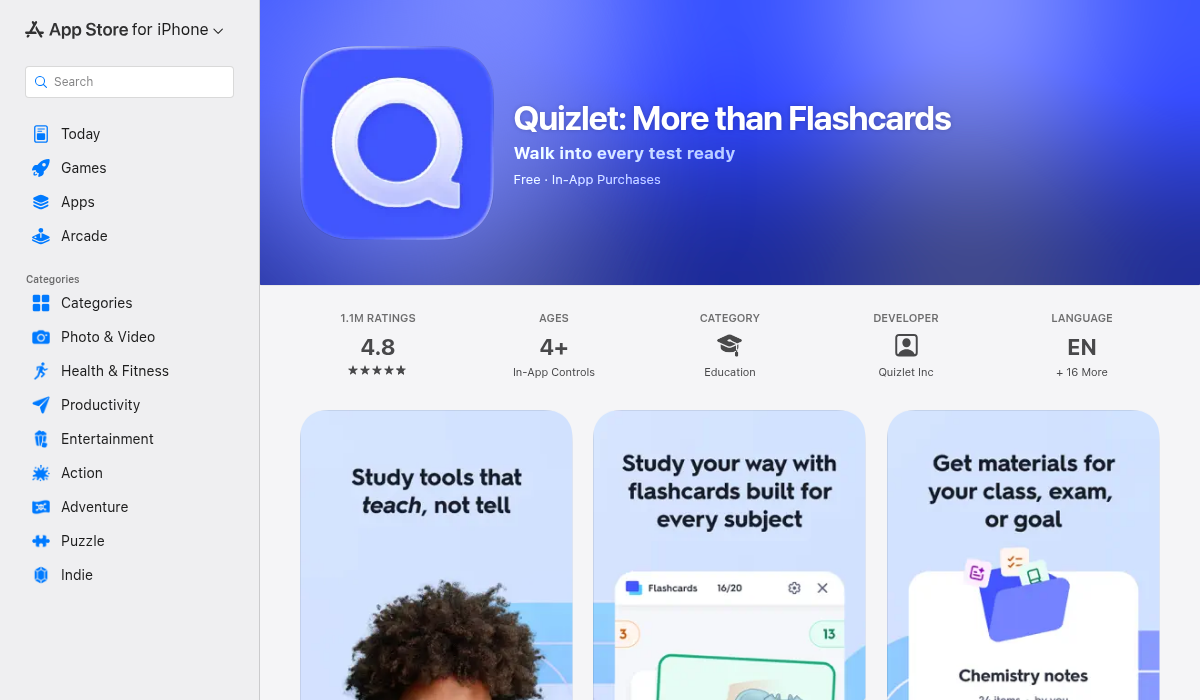
Quizlet has been the go-to flashcard app for over a decade. It recently added AI features, including "Q-Chat" — an AI tutor that can quiz you on your flashcards.
- ✅ Massive community library (millions of pre-made decks)
- ✅ Multiple study modes (learn, test, match)
- ✅ Recently added AI tutoring features
- ❌ No lecture recording or transcription
- ❌ You still have to create flashcards manually
- ❌ Limited AI generation compared to newer apps
- ❌ $7.99/month for premium features
Quizlet is great if you want to study existing flashcard sets or don't mind making them yourself. But it doesn't solve the YouTube-to-flashcards problem directly — you'd still need to transcribe and create cards manually.
2. Anki — For Power Users
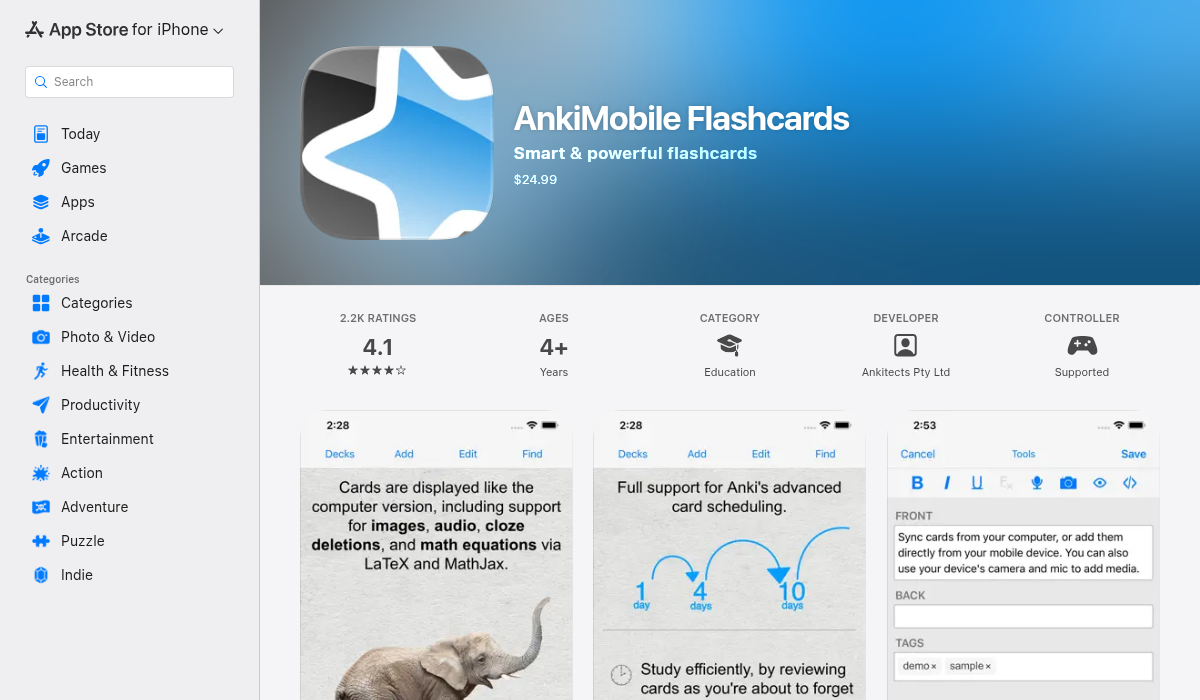
Anki is the gold standard for spaced repetition flashcards, especially among medical students and language learners. Its algorithm is proven to maximize long-term retention.
- ✅ Best-in-class spaced repetition algorithm
- ✅ Highly customizable card formats
- ✅ Large community-created deck library
- ✅ Desktop version is free
- ❌ Steep learning curve (not beginner-friendly)
- ❌ Dated interface
- ❌ No AI features built-in
- ❌ iOS version costs $24.99 (one-time)
- ❌ Requires manual card creation or third-party tools
To use Anki with YouTube lectures, you'd need to use a separate tool to generate the flashcards, then import them into Anki. It works, but it's a multi-step process. Some Reddit users have built custom scripts to automate this, but it requires technical knowledge.
3. MelonNote — The AI-First Study App
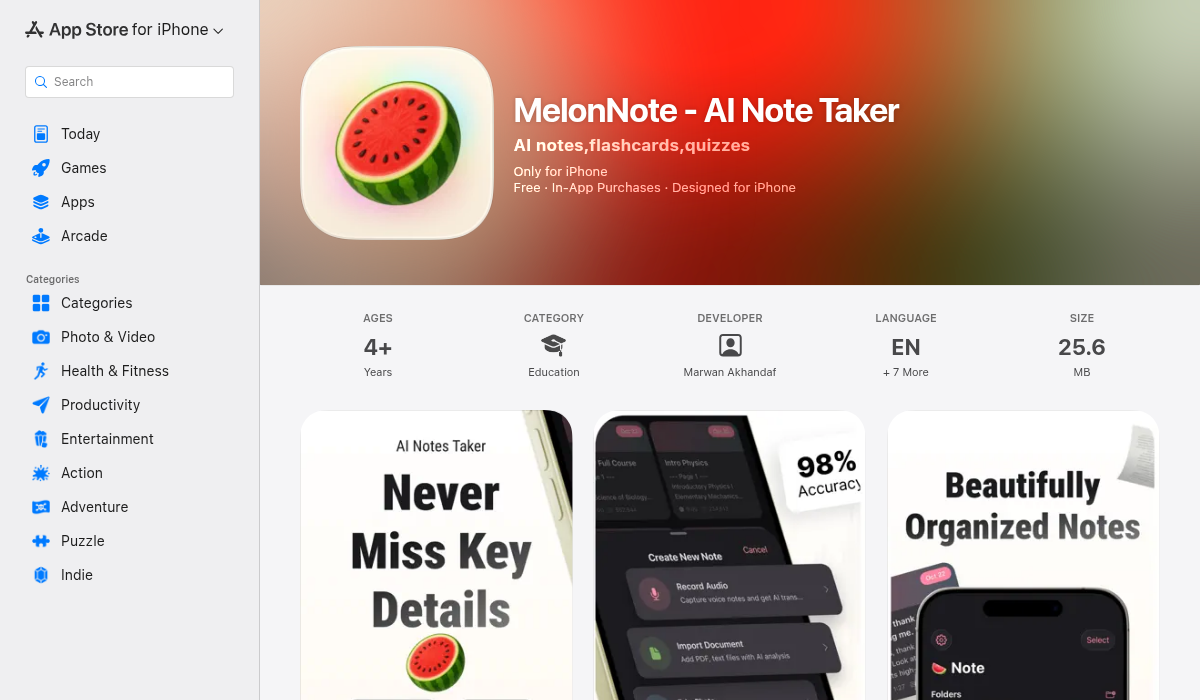
MelonNote takes a different approach: it's designed from the ground up for the YouTube-lecture-to-flashcard workflow. Instead of being just a flashcard app, it's a complete study system that handles the entire pipeline.
Here's how it works for YouTube lectures specifically:
- Record the lecture audio — Play the YouTube video and record it directly in MelonNote
- AI transcription — The app transcribes the entire lecture using OpenAI's Whisper API
- Auto-summarize — Get condensed notes with key concepts highlighted
- Generate flashcards — One tap creates a flashcard deck from your notes
- Take quizzes — AI generates practice quizzes (MCQ, true/false, fill-in-blank)
- Ask the AI tutor — If you don't understand something, ask and get explanations
- ✅ End-to-end workflow (record → transcribe → flashcards → quiz)
- ✅ AI auto-generates flashcards and quizzes
- ✅ Built-in AI tutor that understands your notes
- ✅ Import PDFs and photos of handwritten notes
- ✅ Unique AI podcast feature (turns notes into audio you can listen to)
- ✅ Realtime AI conversation for discussing your material
- ✅ Available on iOS and Android
- ✅ Affordable at $3.99/month
- ❌ Doesn't have web-based YouTube integration (you record audio)
- ❌ No Anki export (cards stay in-app)
The standout feature for passive learners: MelonNote can turn your notes into a podcast-style audio summary. Instead of re-reading your flashcards, you can listen to a 2-person podcast conversation covering the material while commuting or at the gym. No other study app does this.
Step-by-Step: YouTube Lecture to Flashcards with MelonNote
Here's exactly how to turn a YouTube lecture into study materials:
Step 1: Open MelonNote and Start a Recording
Tap the "+" button and select "Record Lecture." Have your YouTube video ready to play.
Step 2: Play the YouTube Video
Start playback on YouTube (on your laptop, tablet, or another device) and let MelonNote capture the audio. The app uses AI-powered transcription to convert speech to text in real-time or after the recording.
Step 3: Let AI Process the Content
Once the recording stops, MelonNote transcribes the entire lecture. You can also tap "Summarize" to get condensed notes with the key points extracted.
Step 4: Generate Flashcards
Navigate to your note and tap "Generate Flashcards." The AI analyzes the content and creates a deck of flashcards with key terms, definitions, and concepts. This takes about 10-30 seconds depending on length.
Step 5: Quiz Yourself
Want more than flashcards? Tap "Generate Quiz" to get practice questions including multiple choice, true/false, and fill-in-the-blank. The AI creates questions that test comprehension — not just memorization.
Step 6: Use the AI Tutor
Still confused about something? Open the AI chat and ask questions. Because the AI has context from your notes, it can give you relevant, specific answers — not generic internet explanations.
Pro Tips for Maximum Efficiency
- Combine multiple lectures — MelonNote lets you select multiple notes and create combined flashcard decks or quizzes. Great for exam prep where you need to cross-reference material from different classes.
- Use the podcast feature for review — After initial study, generate an AI podcast from your notes. Listen during downtime (commuting, cooking, gym) to reinforce concepts passively.
- Don't just review — test yourself — Research shows that active recall (testing yourself) is far more effective than passive review. Use the quiz feature before exams, not just flashcards.
- Import lecture slides too — If your professor shares PDFs of slides, import them into MelonNote alongside your recorded lecture. The AI can analyze both and create more comprehensive study materials.
- Use the "Converse" feature for tough topics — MelonNote's realtime AI conversation lets you have a voice discussion about your notes. It's like having a study buddy who read everything. Use this for complex topics where you need to talk through your understanding.
Alternatives and Other Methods
If MelonNote isn't for you, here are some other approaches:
- Scholarly (Web) — Paste a YouTube URL and it generates flashcards from the transcript. Free but limited features.
- StudyCardsAI — Another web-based tool mentioned on Reddit for AI flashcard generation.
- ChatGPT + Anki — Use ChatGPT to generate cards, export as CSV, import to Anki. Manual but flexible.
- Otter.ai + Quizlet — Use Otter for transcription, manually create cards in Quizlet. More steps but works.
The key difference with MelonNote is the all-in-one workflow. Instead of juggling 2-3 apps, everything happens in one place — from recording to flashcards to quizzes to AI tutoring.
The Bottom Line
Creating flashcards from YouTube lectures doesn't have to be a multi-hour chore anymore. In 2026, AI study tools can do the heavy lifting:
- For traditional flashcard lovers: Quizlet and Anki remain solid choices, but you'll need to create cards manually or use workarounds.
- For students who want maximum efficiency: An AI-first app like MelonNote handles the entire workflow — transcription, summarization, flashcard generation, quizzes, and tutoring — so you can focus on actually learning.
The technology finally exists to turn passive video watching into active studying. The question is whether you'll keep doing things the hard way or let AI handle the boring parts.
If you want to try the AI-powered approach, MelonNote is available on iOS and Android. The free tier lets you try it with a couple of notes before committing.