
Best Apps for Law School Students 2026: AI Tools for Smarter Study
Why Law Students Need Smarter Study Tools in 2026
Law school is brutal. Between constitutional law, contracts, torts, and civil procedure, you're drowning in case briefs, dense readings, and the looming specter of the Socratic method. The average 1L reads over 500 pages per week—and that's before you factor in outlining, memorizing rules, and preparing for cold calls.
But here's the thing: the students who succeed aren't necessarily the ones who study the longest. They're the ones who study smarter. And in 2026, that means leveraging AI-powered apps that transform how you capture, organize, and retain information.
Whether you're recording constitutional law lectures, briefing cases at 2 AM, or cramming for finals, the right apps can save you hours every week. Here are the best apps for law school students that will actually make a difference in your academic performance.
1. MelonNote – AI Note Taker (Best Overall for Law Students)
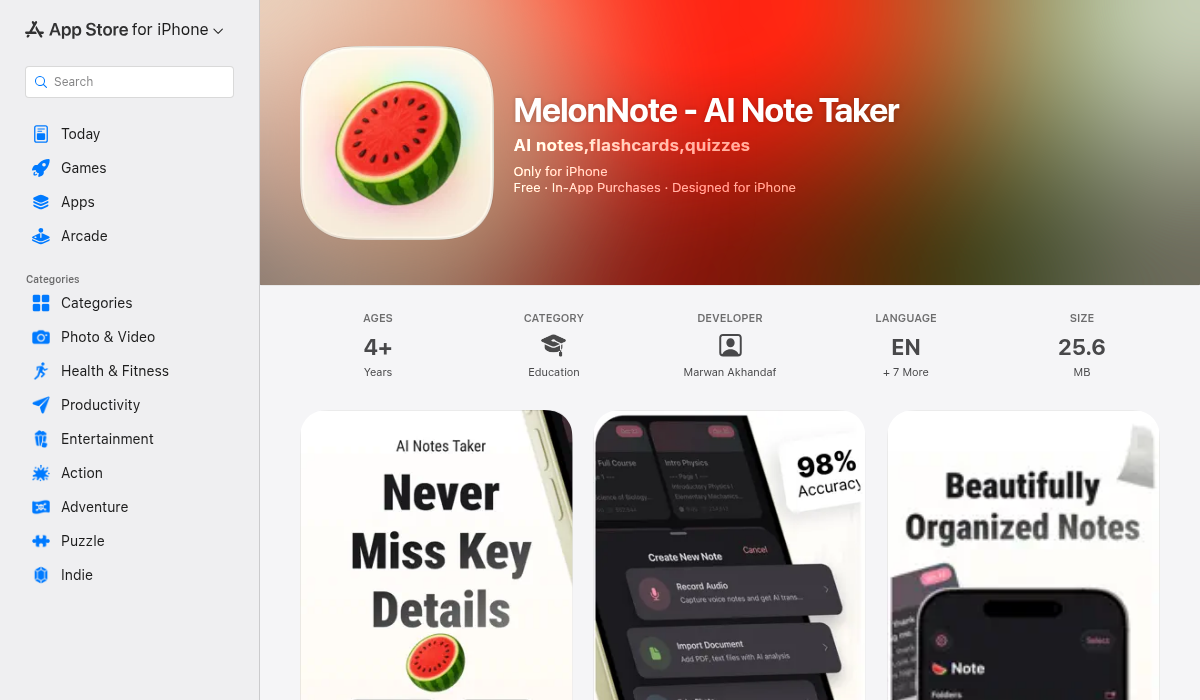
What it does: MelonNote is an all-in-one AI study companion that records lectures, transcribes them with AI, generates flashcards and quizzes automatically, and even turns your notes into podcasts you can listen to while commuting.
Why law students love it: Law school lectures are information-dense. Professors race through case holdings, dissents, and policy implications while you desperately try to keep up. MelonNote solves this by recording your entire lecture and using OpenAI's Whisper to transcribe it with impressive accuracy—including legal terminology.
But here's where it gets interesting: after transcription, MelonNote's AI automatically generates:
- Summaries – Condenses your 90-minute ConLaw lecture into key takeaways
- Flashcards – Auto-extracts case names, holdings, and rules into study-ready cards
- Practice quizzes – MCQs and fill-in-the-blank questions to test your comprehension
- AI tutor – Ask questions about your notes and get contextual explanations
The standout feature? The AI Podcast Generator. MelonNote turns your notes into a 2-person podcast conversation you can listen to on the bus, at the gym, or while doing laundry. For auditory learners drowning in reading, this is a game-changer.
Perfect for: Recording lectures, briefing cases, exam prep, and studying on the go.
Price: Free (2 notes), $3.99/month premium
Download MelonNote for iOS | Download for Android
2. LexisNexis – Legal Research (Essential)
What it does: LexisNexis provides access to one of the largest legal databases in the world, including case law, statutes, law reviews, and legal news.
Why law students need it: Most law schools provide free LexisNexis access through their library. If yours does, download the mobile app immediately. It's invaluable for researching cases, checking citations, and staying current with legal developments.
The mobile app lets you:
- Search case law and statutes on the go
- Save research to folders for later review
- Get alerts on legal developments in your areas of interest
- Access Shepard's Citations to verify case validity
Perfect for: Legal research, memo writing, staying current with case law.
Price: Free through most law school libraries
3. Westlaw – Case Research (Essential Alternative)
What it does: Westlaw is LexisNexis's primary competitor, offering similar comprehensive legal research capabilities with a different interface and some unique features.
Why law students use it: Some students prefer Westlaw's KeyCite system over Shepard's, and certain professors may require Westlaw citations. The mobile app provides access to their extensive case database and includes helpful features like headnotes that summarize key legal points.
Perfect for: Legal research, particularly if your school emphasizes Westlaw training.
Price: Free through most law school libraries
4. Read Aloud – Speech (Best for Case Reading)
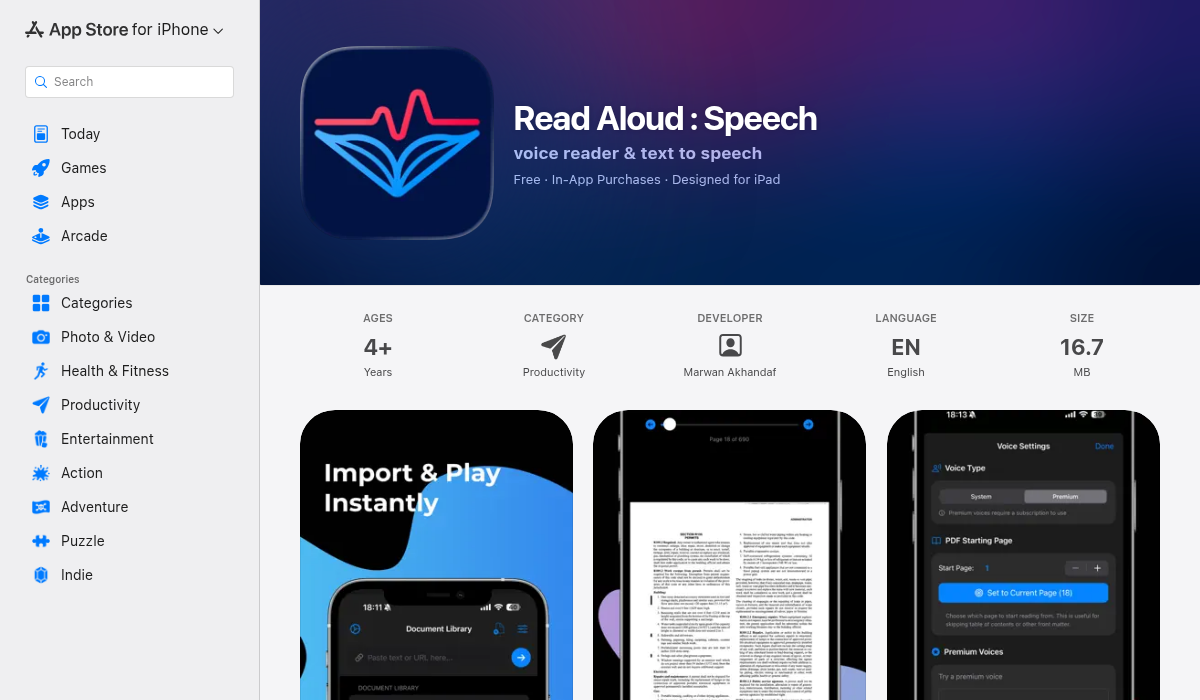
What it does: Read Aloud converts text, PDFs, and web articles into spoken audio using premium-quality AI voices.
Why law students need it: Law school involves an obscene amount of reading. When your eyes glaze over at page 300 of your contracts casebook, sometimes you need to switch modalities. Read Aloud lets you import case PDFs and listen to them instead of staring at text.
Key features for law students:
- Import PDFs directly (case opinions, law review articles, study guides)
- Adjustable reading speed (speed up during familiar material)
- Multiple realistic AI voices (pick one that doesn't drive you crazy)
- Text highlighting while reading (follow along for comprehension)
- Works offline once content is loaded
Perfect for: Long case readings, auditory learners, studying while multitasking.
Price: Free with premium features
5. Obsidian – Note Organization
What it does: Obsidian is a knowledge management app that uses linked notes and a graph view to help you see connections between concepts.
Why law students use it: Law school is all about connections—how one doctrine relates to another, how cases build on precedent, how different areas of law intersect. Obsidian lets you create "Case Brief Databases" where clicking on a case name takes you to the brief, and you can see visual links between related concepts.
On Reddit's r/LawSchool, students rave about Obsidian for:
- Building interconnected course outlines
- Tracking how different professors approach the same concepts
- Creating comprehensive exam outlines with linked case briefs
- Visualizing complex doctrinal frameworks
Perfect for: Outlining, organization, seeing the big picture.
Price: Free
6. Quizlet – Flashcard Study (Solid Alternative)
What it does: Quizlet is a flashcard app with millions of pre-made study sets, including thousands for law school subjects.
Why law students use it: While MelonNote auto-generates flashcards from your notes (saving huge time), Quizlet offers access to pre-made flashcard sets created by other law students. This is helpful for standardized subjects like constitutional law or contracts where core doctrines are consistent across schools.
Best for: Supplementary studying, bar exam prep, memorizing black letter law.
Price: Free with ads, $47.99/year premium
7. Studicata – Case Briefs
What it does: Studicata offers over 60,000 free case briefs covering 1,000+ law school casebooks.
Why law students use it: When you're behind on reading (it happens), Studicata provides clear, reliable case briefs with rule statements, deep reasoning analysis, and cold call prep. It's not a replacement for reading cases yourself, but it's excellent for review or when you're in a pinch.
Perfect for: Supplementary review, exam prep, cold call survival.
Price: Free for basic briefs, premium subscription for full features
8. Forest – Focus Timer
What it does: Forest gamifies focus by growing virtual trees while you study. If you leave the app to check social media, your tree dies.
Why law students need it: Law school requires deep focus. Forest provides gentle accountability without being overly restrictive. Many law students use the Pomodoro technique (25 min study, 5 min break) with Forest to maintain concentration during long outlining sessions.
Perfect for: Focus, fighting phone addiction, productive study sessions.
Price: $4.99 one-time purchase
Building Your Law School App Stack
Here's the recommended setup for maximum efficiency:
For lectures: Use MelonNote to record, transcribe, and auto-generate study materials. The AI tutor feature is invaluable when you're confused about complex doctrines.
For reading: Import PDFs into Read Aloud when your eyes need a break. Alternate between reading and listening to maintain freshness.
For research: LexisNexis or Westlaw (whichever your school emphasizes). Download the mobile app for on-the-go research.
For organization: Obsidian for building interconnected outlines with linked case briefs. The graph view helps you see doctrinal relationships.
For review: MelonNote's auto-generated flashcards and quizzes for your own notes, supplemented by Quizlet for shared study sets.
The AI Advantage in Law School
The smartest law students in 2026 aren't just studying harder—they're leveraging AI to study more effectively. Apps like MelonNote represent a fundamental shift in how students can engage with dense material.
Think about it: instead of spending an hour manually creating flashcards after each lecture, MelonNote generates them automatically. Instead of re-reading notes for the fifth time, you can listen to them as a podcast while exercising. Instead of struggling with a concept alone, you can ask the AI tutor for clarification.
This isn't about replacing critical thinking—it's about freeing up mental bandwidth for what law school actually tests: analysis, synthesis, and argumentation. The students who will excel are those who use these tools strategically to maximize their learning efficiency.
Final Thoughts
Law school is a marathon, not a sprint. The apps that will serve you best are the ones that integrate into your daily workflow and save you time without adding complexity.
Start with MelonNote for your lecture capture and study material generation—it consolidates what would otherwise require 4-5 separate apps. Add a text-to-speech tool like Read Aloud for your endless reading assignments. Make sure you have LexisNexis or Westlaw installed for research. And consider Obsidian if you want to build a truly interconnected knowledge system.
The key is consistency. Pick your tools, learn them well, and use them every day. By the time finals roll around, you'll have a comprehensive, organized system that makes exam prep significantly less painful.
Good luck, future lawyers. You've got this. 📚⚖️